
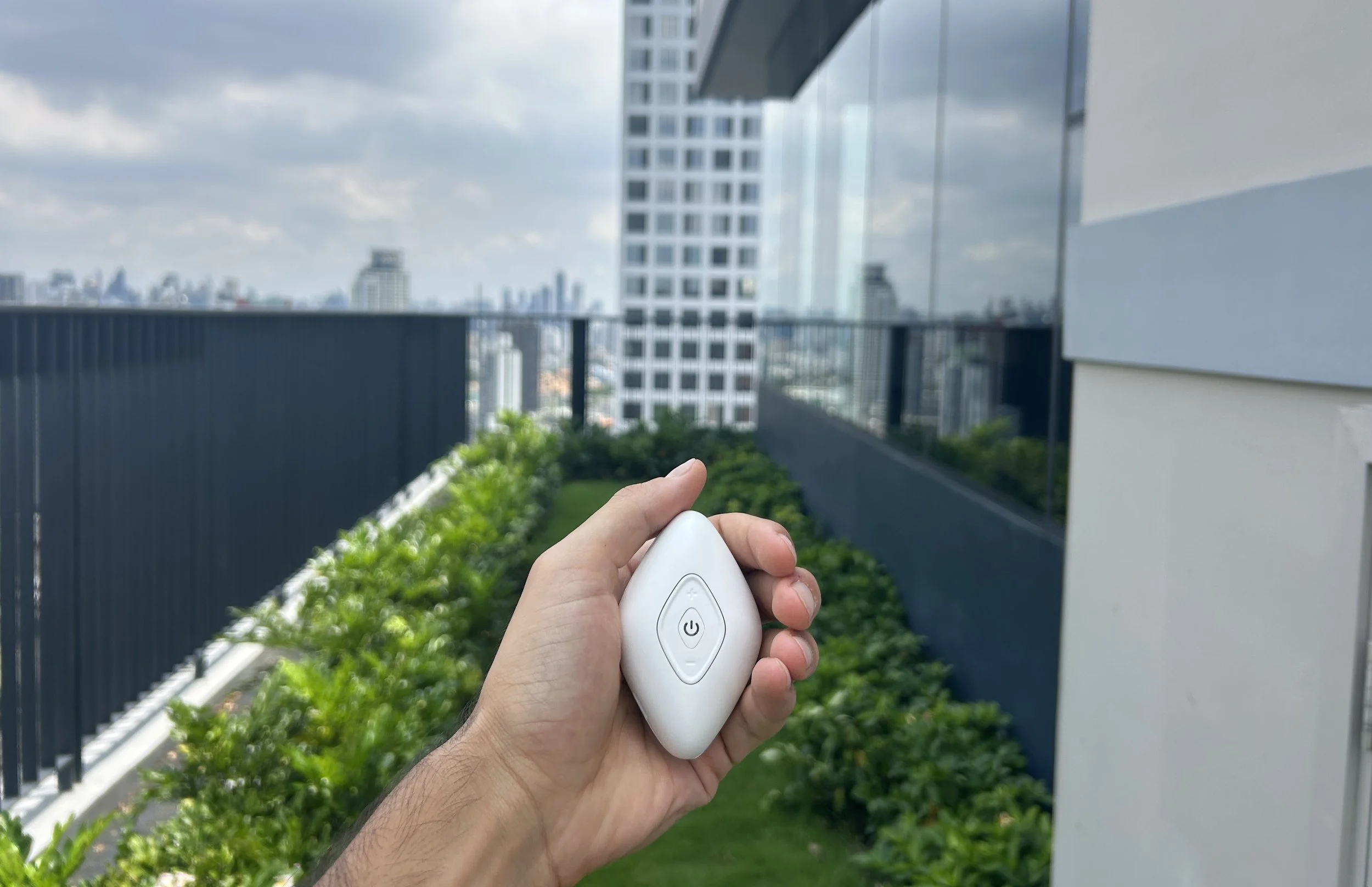
Tackle Nonsense Phone Use, and get rid of the huge toll it has on your well-being
EMBO delivers a Twofold Effect
Immediate effect
From the moment you start holding EMBO, you will feel a soothing sensation in your hand. This will shift your brain’s focus and seamlessly help you surf the urge to grab your phone

Medium-term effect
When we claim EMBO is a science-backed solution, we say it for a reason. It’s not just a pleasant sensation, but a technology that delivers tailored pulses to the Median Nerve. This has been widely proven to promote parasympathetic activation, helping you control your dopamine craving to use your phone
How to use EMBO?
Step 1 - Turn EMBO on
Press the power button for two seconds. Once it is on, the power button will start beating with a smooth white light, and pulses will start to be released
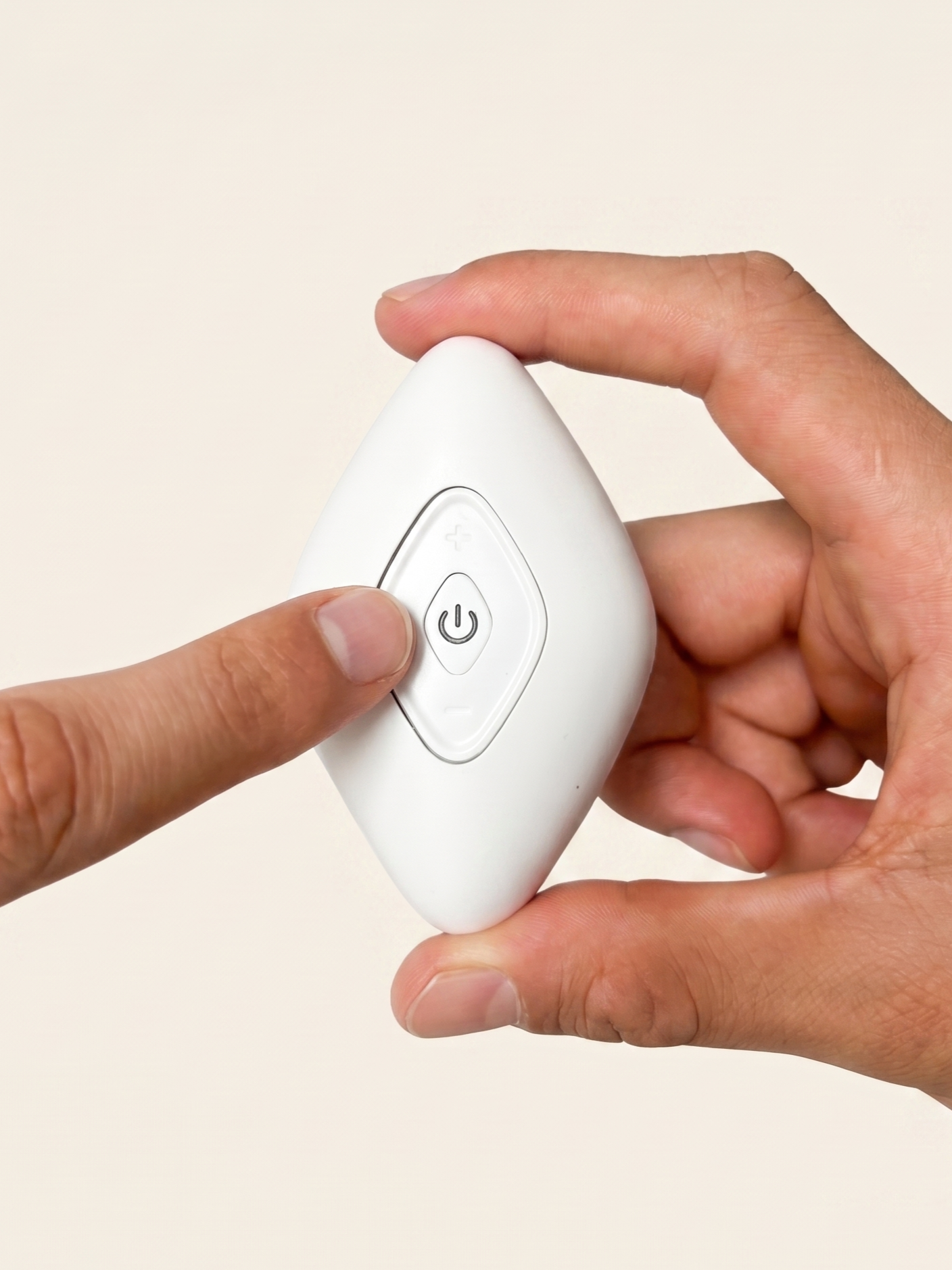
Step 2 - Adjust intensity
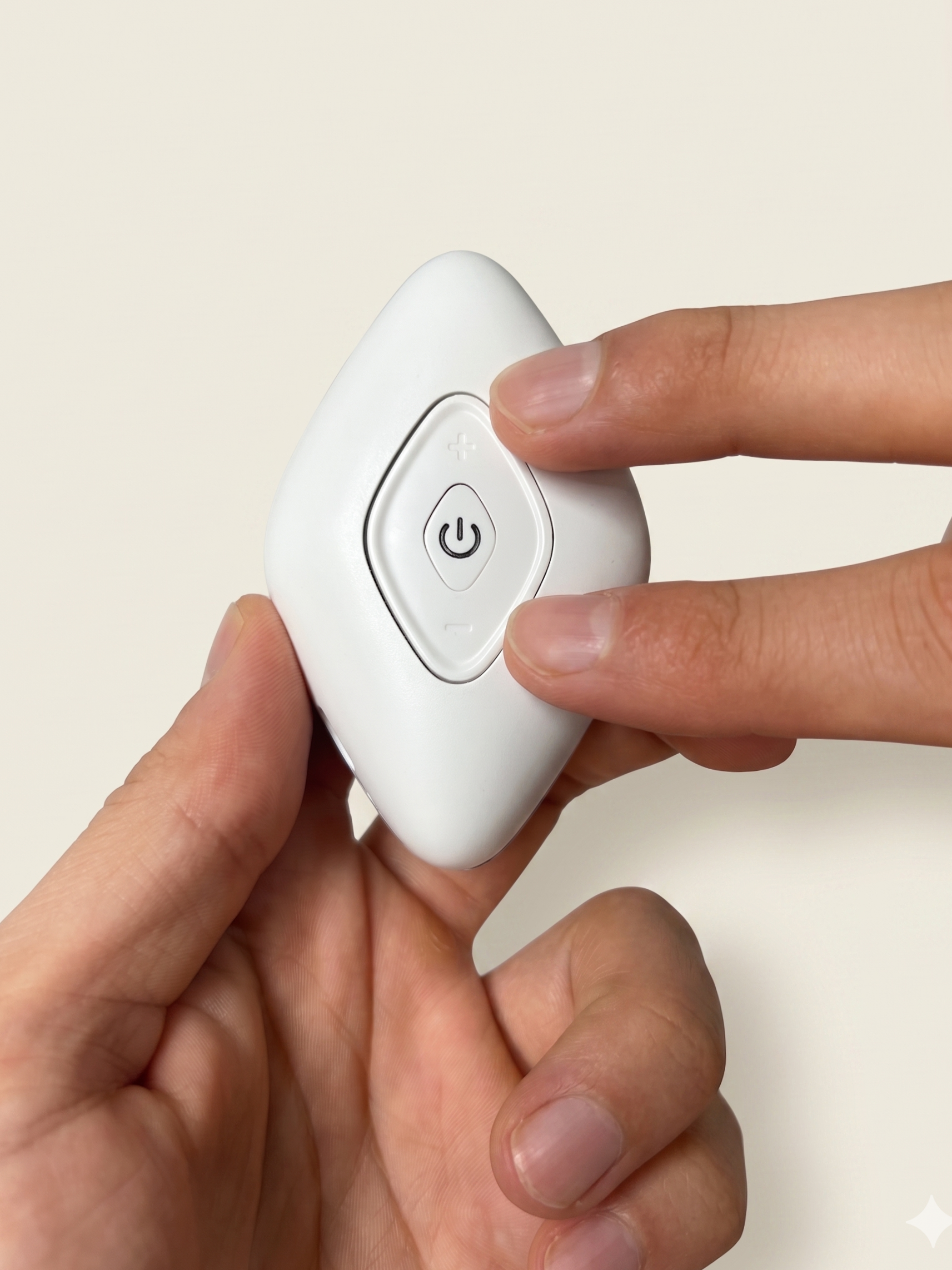
EMBO intensity needs to be adjusted. It starts at the lowest level by default
Place it on your hand with the electrodes facing the palm, and progressively regulate intensity by pressing the buttons above and below the power button. To signal that the intensity is being changed, each time there is a step-up or step-down in intensity, the power button flashes with a red light. When maximum or minimum intensity is reached, there is no red light flash
Optimum intensity level should generate a comfortable, soothing tingle
Step 3 - Pick your rhythm
EMBO features two different beating modes, one generating a double beat, and the other generating a single beat. Switch between them by pressing the power button, and choose the one that suits you best. You can tell which mode is selected by looking at the breathing white light on the power button
Step 4 - Find your grip
Sensation and stimulation might vary depending on the way EMBO is held. Test different grips, seeking a gentle tingle between the center of your palm and the base of your thumb. This is where stimulation is optimal
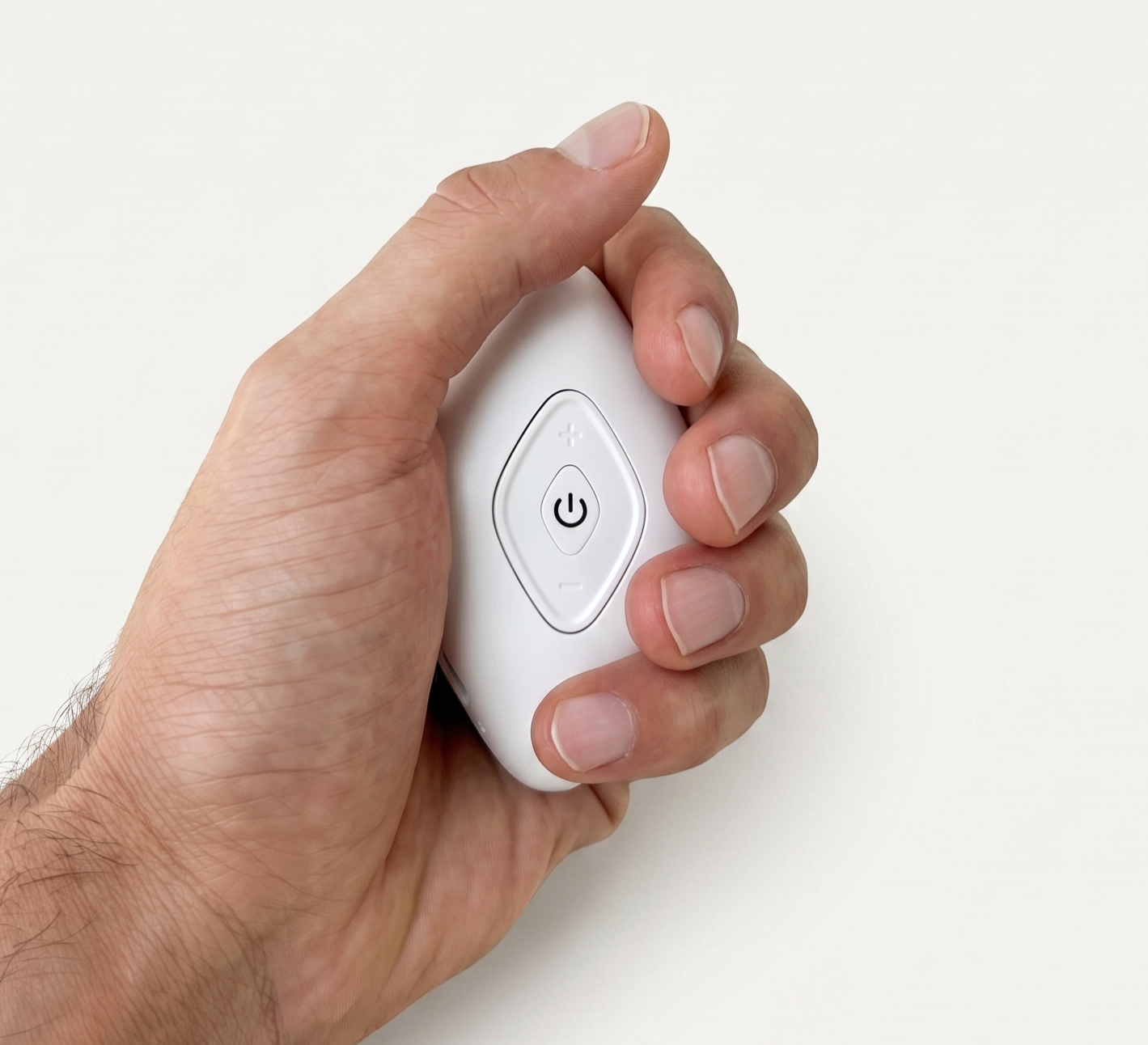
Step 5 - Enjoy the session!
Once the intensity, mode and grip are on point, hold the device and enjoy the session
EMBO will automatically shut off after 30 minutes. In case you want to end the session earlier, just press and hold the power button for 2 seconds to turn it off

EMBO app
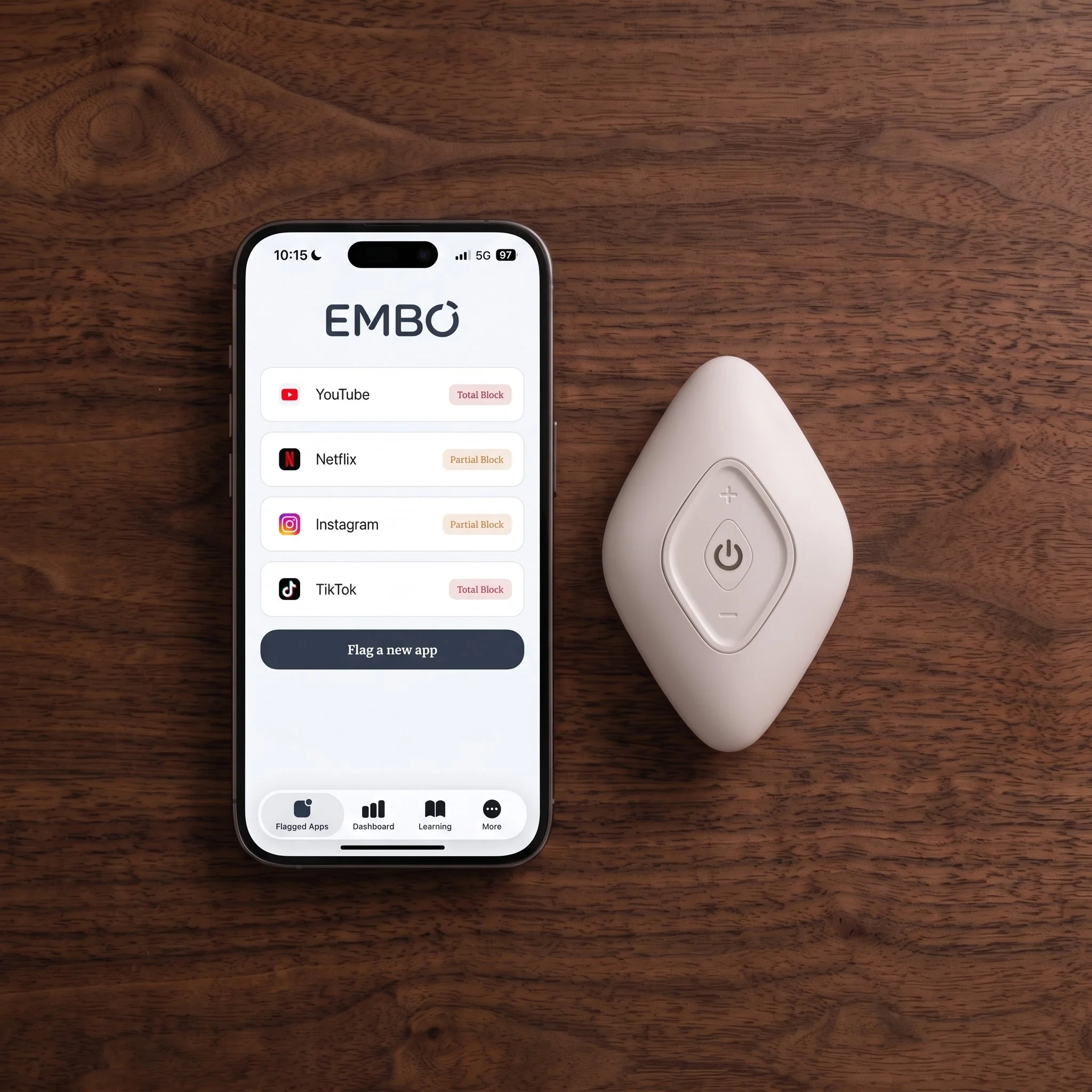
Download the app to help you embed EMBO in your routine, track phone use goals, and access unique content about digital wellbeing
-
Download the EMBO app and activate your account with the Activation Code from your purchase confirmation email
-
Set your phone-use goals. Choose targets for daily screen time, number of pickups, and EMBO breaks
-
Select the apps that drain your screen time and define a friction mode for each. When you reach for them, a shield will appear to redirect you to your EMBO device instead
-
The app shows statistics on your overall phone use and how you’re performing against your goals. That way, you can actively notice and measure EMBO’s impact on your phone use habits
When to use EMBO?
Solo Moments
These are moments when we simply aren't supposed to be cognitively occupied - whether it's falling asleep, waiting for someone, or commuting on the metro





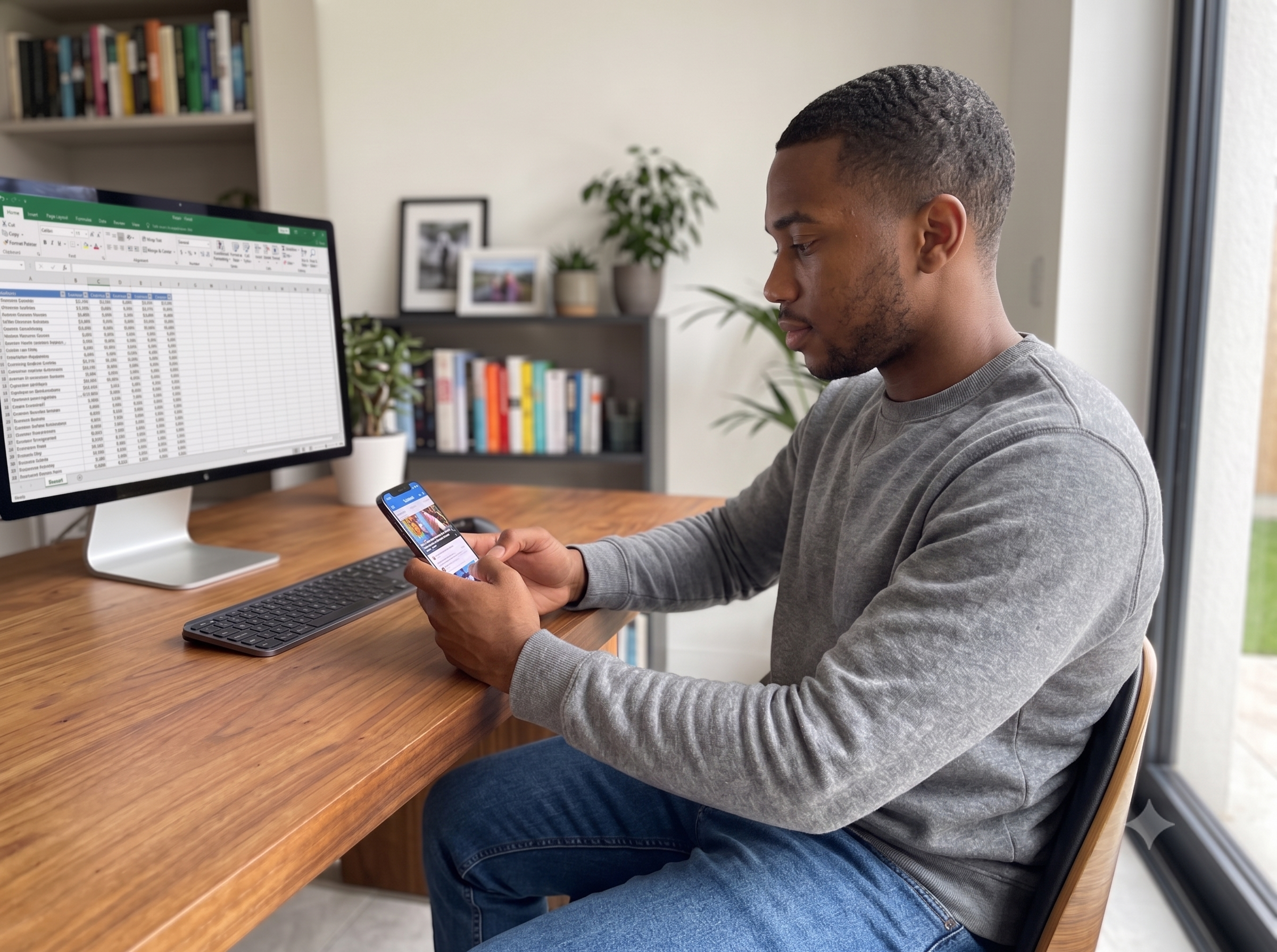
These moments work as an awake rest for our brain, and are key for our cognitive stability
The problem? We have completely shuttered them by grabbing our phone the very first instant we are unnocupied, often slipping straight into mindless scrolling
This is where EMBO thrives, it helps you overcome the urge to grab your phone, helping you regain focus and drive