
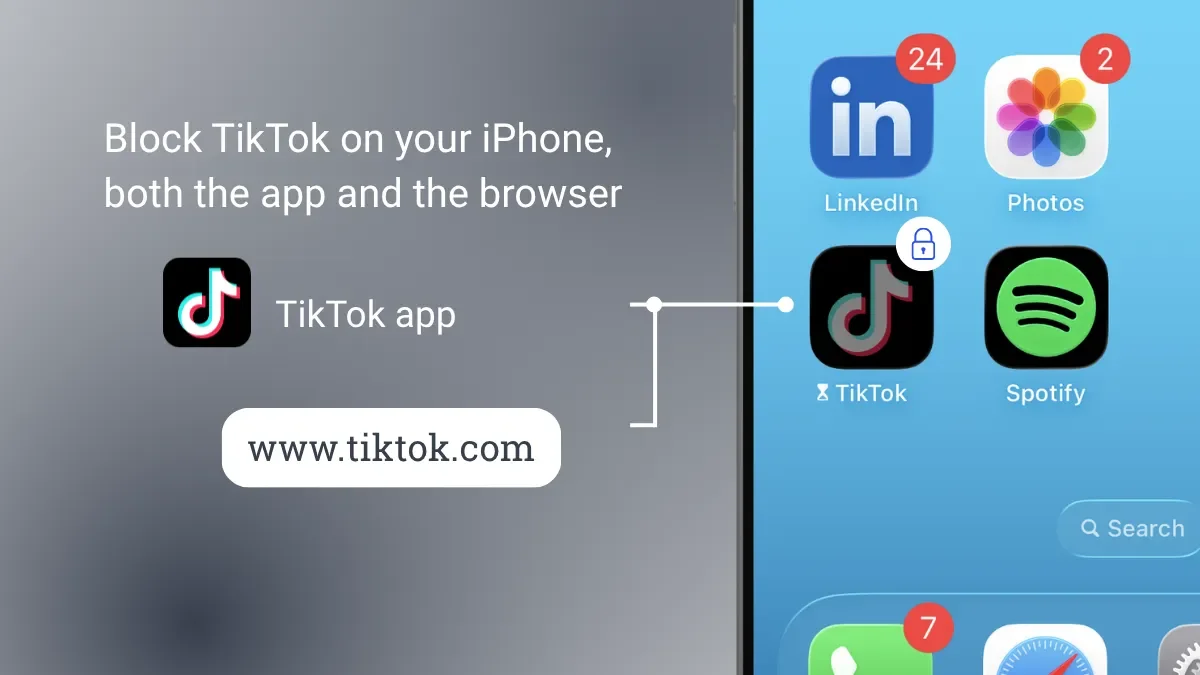
Blocking TikTok well takes two separate jobs. The first is closing the doors: the app, the website, the late-night hours, and the reinstall. Your iPhone can do all of that for free. The second is handling the urge that makes you reach for those doors in the first place. No setting does that, and it's usually why blocks fall apart after a week.
Too long, don't want to read:
- iOS 27: Settings → Screen Time → Time Allowances → Manage Categories → + → Custom. Put only TikTok in the category and give it a small allowance.
- iOS 26 and earlier: Settings → Screen Time → App Limits → Add Limit → TikTok, then turn on Block at End of Limit.
- Nights: a Screen Time Schedule (iOS 27) or Downtime with Block at Downtime (iOS 26) from 9:30 p.m.
- Browser and reinstalls: block tiktok.com and stop app installs.
- The urge: flag TikTok in the EMBO app, so opening it on impulse sends you to your EMBO device instead.
Part 1: Close the doors
1. The app (iOS 27). Go to Settings → Screen Time → Time Allowances → Manage Categories → + → Custom, create a category with only TikTok, and give it a few minutes a day. Make sure TikTok isn't in Always Allowed, and lock everything under Passcode & Management → Lock Screen Time Settings. Note that every Apple device you use needs version 27 for this to work.
2. The app (iOS 26 and earlier). Go to Settings → Screen Time → App Limits → Add Limit → TikTok, then turn on Block at End of Limit (this needs a Screen Time passcode). Without it, the limit can be skipped with one tap.
3. Late nights. Set a Screen Time Schedule (iOS 27) or Downtime with Block at Downtime (iOS 26) from about 9:30 p.m. to 7:00 a.m., an hour before you actually want to sleep.
4. The browser and reinstalls. Add tiktok.com under Content & Privacy Restrictions → Web Content → Never Allow, then test it in Safari. Set Installing Apps and Deleting Apps to Don't Allow so you can't just reinstall it.
5. TikTok's own tools. Under Settings and privacy → Screen time, turn on Sleep reminders, which mute TikTok's notifications overnight. You can also set a daily limit, but you get past it by typing a code, so treat it as a reminder, not a lock.
Part 2: Why closed doors still don't stop you
If you've done all of the above and still end up on the For You page, it isn't a setup mistake. Look at when each tool steps in:
Limits and allowances step in after you've opened the app and used up your minutes.
TikTok's reminders step in after you've been watching for a while.
Schedules step in at a time of day, not when the craving actually hits.
All of them arrive after the urge has already won. Then you're negotiating with a limit screen in the middle of a video, in the state where you're least likely to stop.
Research points to a better moment to step in. In a 2023 study published in PNAS, researchers followed 280 people using a tool that interrupted them the moment they tried to open a chosen app. Over six weeks, people dropped 36% of their attempts to open those apps when interrupted. Their attempts to open them fell by 37% as well, and actual openings dropped by 57% in total. The most effective part wasn't a warning message. It was simply being offered a real choice to not open the app.
The takeaway for TikTok: catch the reach, not the scroll.
Part 3: Handle the urge with EMBO
EMBO is built for exactly that moment. It's a small handheld device that delivers gentle pulses to your palm, paired with an app that catches you as you reach for TikTok.
Set it up once:
1. Flag TikTok in the EMBO app and choose a friction mode for it.
2. Set your goals: daily screen time, number of pickups, and EMBO breaks.
Then, when the urge hits:
1. You tap TikTok out of habit, and a shield appears that redirects you to your EMBO device instead of the feed.
2. You hold EMBO. The soothing sensation in your hand shifts your attention off the screen and helps you ride out the urge, which fades within a few minutes.
3. If you still want to watch something afterward, you can. Now it's a decision, not a reflex.
EMBO's pulses target the median nerve, which runs through your palm. Stimulating it has been linked to calming parasympathetic activity, the opposite of the restless, reward-seeking state that keeps you swiping. Read the science behind EMBO.
Bottom line: a system that combines both
Here's a setup that uses the doors and EMBO together:
9:30 p.m.: your Screen Time Schedule closes TikTok, and its sleep reminder mutes notifications.
In bed: EMBO stays on the nightstand, not in a drawer. When you feel the "one video" urge, hold EMBO instead of unlocking the phone.
Morning: check pickups and EMBO breaks in the app. Watching those numbers move is part of what makes the habit stick.
Fix the Brainrot, Regain your Focus
EMBO is the tool that targets the root cause driving your screen time in TikTok. It helps you to understand the impulse, and surf it when the urge to scroll comes
Frequently Asked Questions:
-
Go to Settings → Screen Time → Time Allowances → Manage Categories → + → Custom, create a category that contains only TikTok, and give it a small allowance. Check that TikTok isn't in Always Allowed, and lock the settings under Passcode & Management.
-
Go to Settings → Screen Time → App Limits → Add Limit, select TikTok, choose a time, and turn on Block at End of Limit (this needs a Screen Time passcode).
-
Yes. Under Settings and privacy → Screen time you can set a daily limit, screen time breaks, and sleep reminders. Going past the daily limit only takes a code, so treat it as a reminder rather than a block.
-
Item descriptionNot always. On iOS 27, a Time Allowance covers an app's website only if the developer has linked the two. On iOS 26 and earlier, add tiktok.com under Never Allow in Web Content restrictions. Either way, test it in Safari.
-
Yes. Flag TikTok in the EMBO app instead of hard-blocking it. Opening it on impulse sends you to your EMBO device for a short break, which is often enough to drop an open that was pure habit. Videos friends send you are still there when you actually want them.
Sources
Apple Support, Set Screen Time Schedules and Time Allowances on iPhone and Create, change, or remove a Screen Time passcode
TikTok, Well-being guide
Internet Matters, TikTok parental controls guide
Grüning, Riedel & Lorenz-Spreen (2023), Directing smartphone use through the self-nudge app one sec, PNAS
AUTHOR
Alonso Arribas
Founder and CEO, EMBO
Alonso is the founder of EMBO. He holds a Bachelor in Biomedical Engineering from University of Maryland and University Carlos III, and has actively taken part in the end-to-end design and production of EMBO, both the physical device and the app.
